
AI and Alt Text
New AI-powered tools and techniques make it easier than ever to manage content in your CMS.
While they’re not necessarily the most “earth-shattering” advances in technology, for anyone in charge of managing website content and media, there have been a series of incremental improvements to the editorial experience.

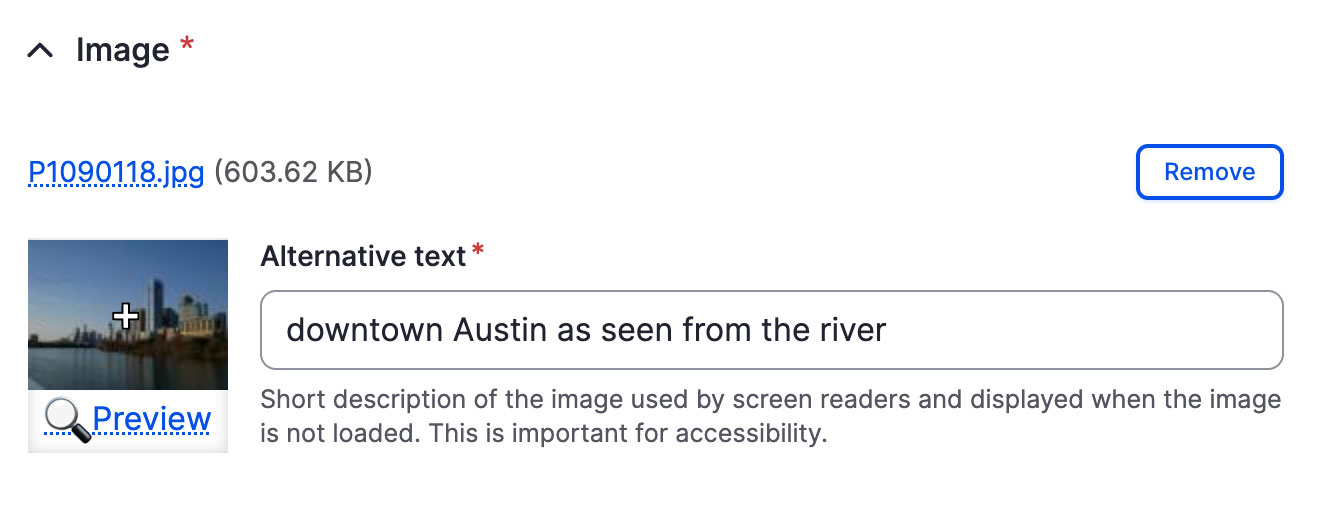
If you’re not familiar with “alt text” (alternative text), this has long been a requirement for accessible websites. It’s a HTML-attribute available for any image, where you can add a text-based description for any image, so those who aren’t sighted (or have images turned off) can still understand the intent and meaning of the visual content by reading the image description, or have it read to them by a voice-over tool.
Including “alt-text” with every image is one of the easiest ways to improve a website’s accessibility. There are a few small barriers, however, to its more widespread adoption.
Time and effort
Though adding alt-text might seem simple, it can slow down content updates significantly, especially when dealing with numerous images. For smaller sites, perhaps you are the only editor, and have many more pressing tasks to complete than making up text descriptions for images.
Editors of larger sites may have help, but still have hundreds or even thousands of images to manage. It can also be a barrier when bulk uploading many images at one time, such as when managing a product catalog, image gallery, blog, or news section.
Cognitive load
Another (less considered) barrier is the effort and imagination required to create alt-text. It’s not enough to simply say “this is a photo” or “picture of a woman." That doesn’t properly communicate the image’s intent or full context to every user.
One (somewhat dated) word of advice I’ve long held is to treat alt-text content like a “tweet” – short but descriptive enough to understand. But again, it takes time and mental effort to come up with these more descriptive and rich alt-text phrases.
This is truly where AI can shine. It can quickly and easily analyze the content of each image and offer a much more descriptive summary of the entire image.
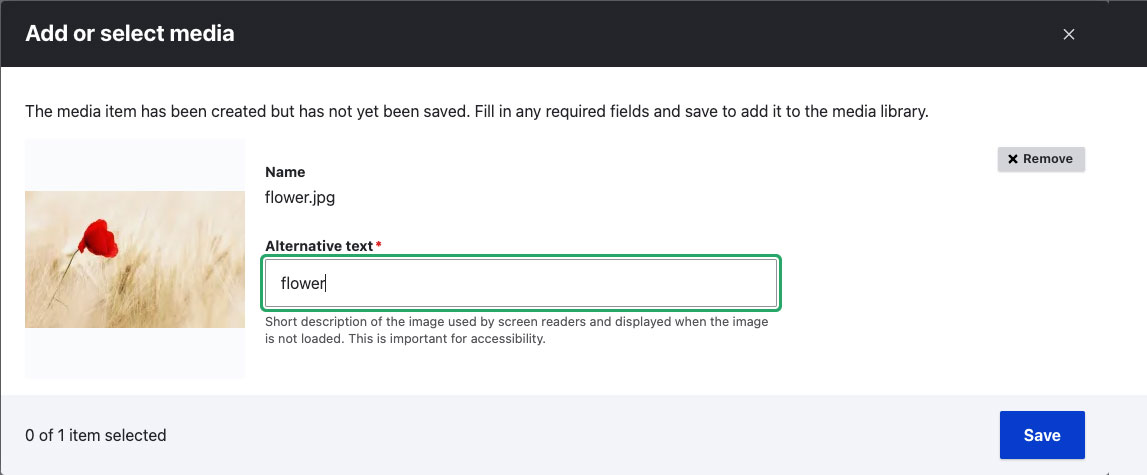
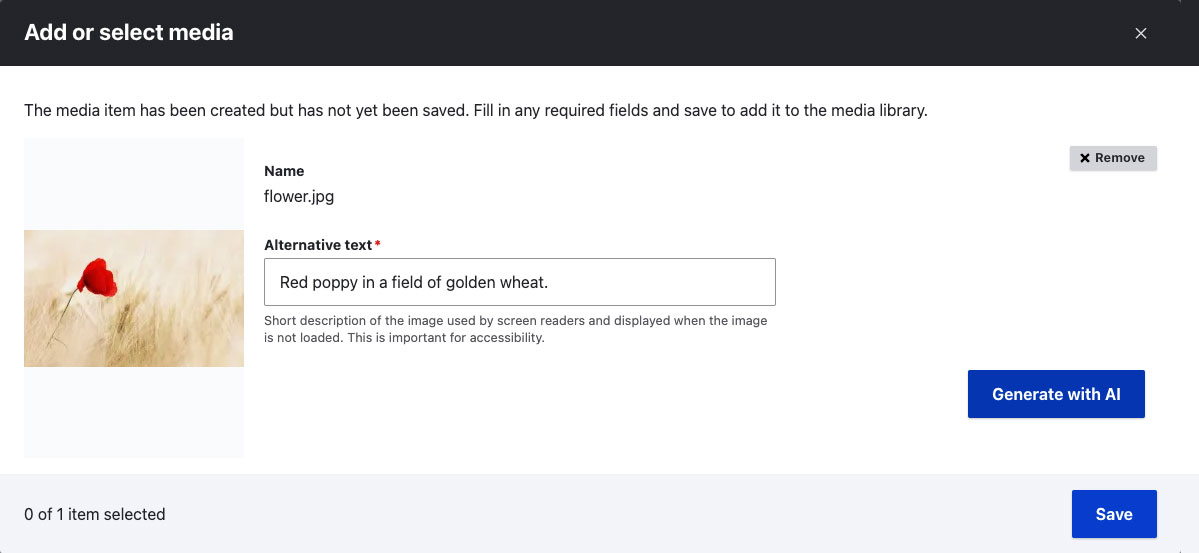
Here's a quick example to demonstrate my point. In both images below, the editor is uploading an image to a page.
Before AI
In the first example, the editor is asked to generate the alternative text (alt text) for themselves. In what is a common scenario, the editor has entered the quickest, easiest description they could think of ("flower") for the image.
After AI
In this second example, we have our new AI tool available. By clicking the "generate with AI" button, the editor automatically fills out the alternative text field, but this time the description is much more rich and true to the content of the image itself.

Dan Moriarty is the co-founder, CEO and chief strategist with Electric Citizen.